Documents · read for you
Store your documents.
Let Shelf read them.
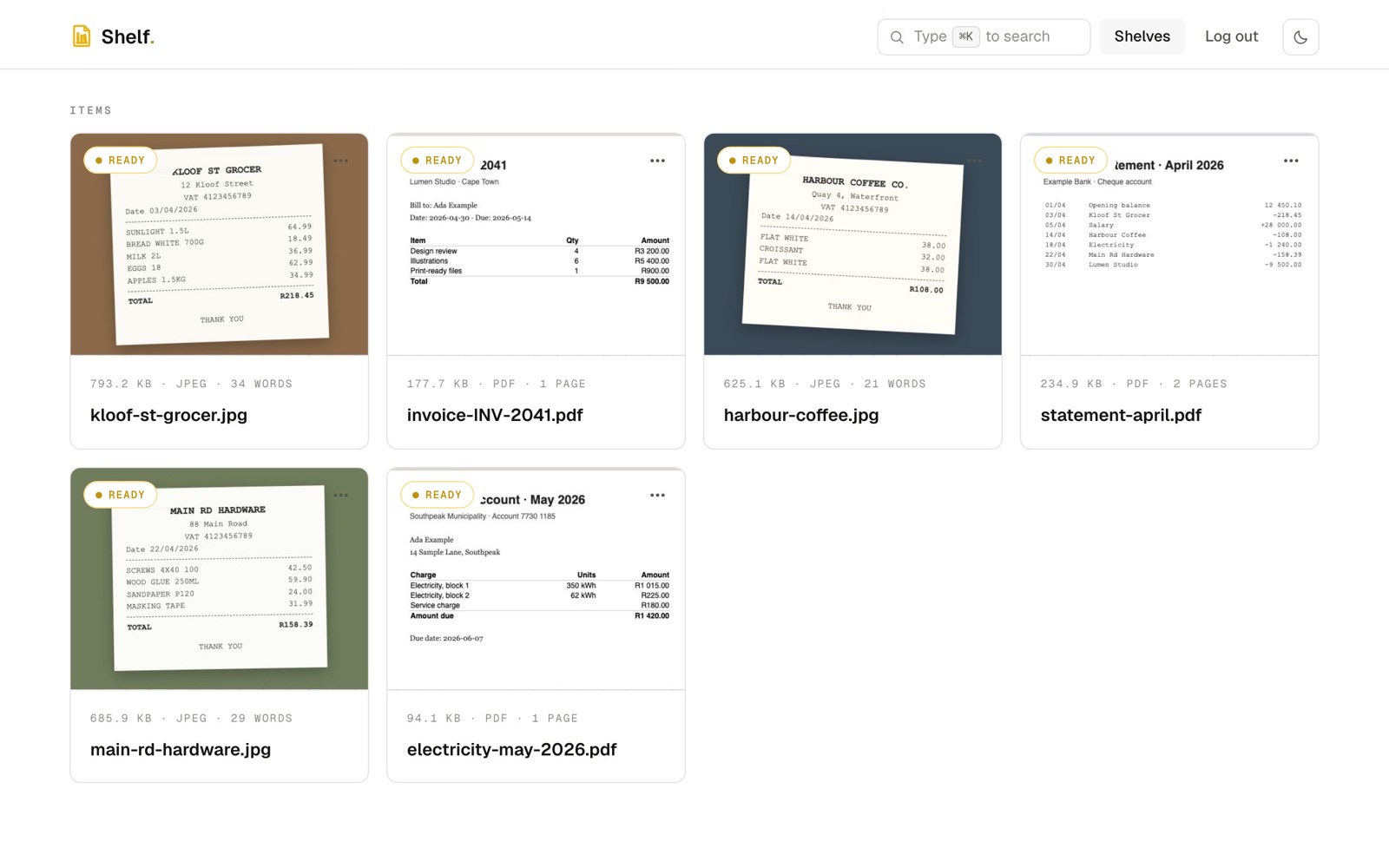
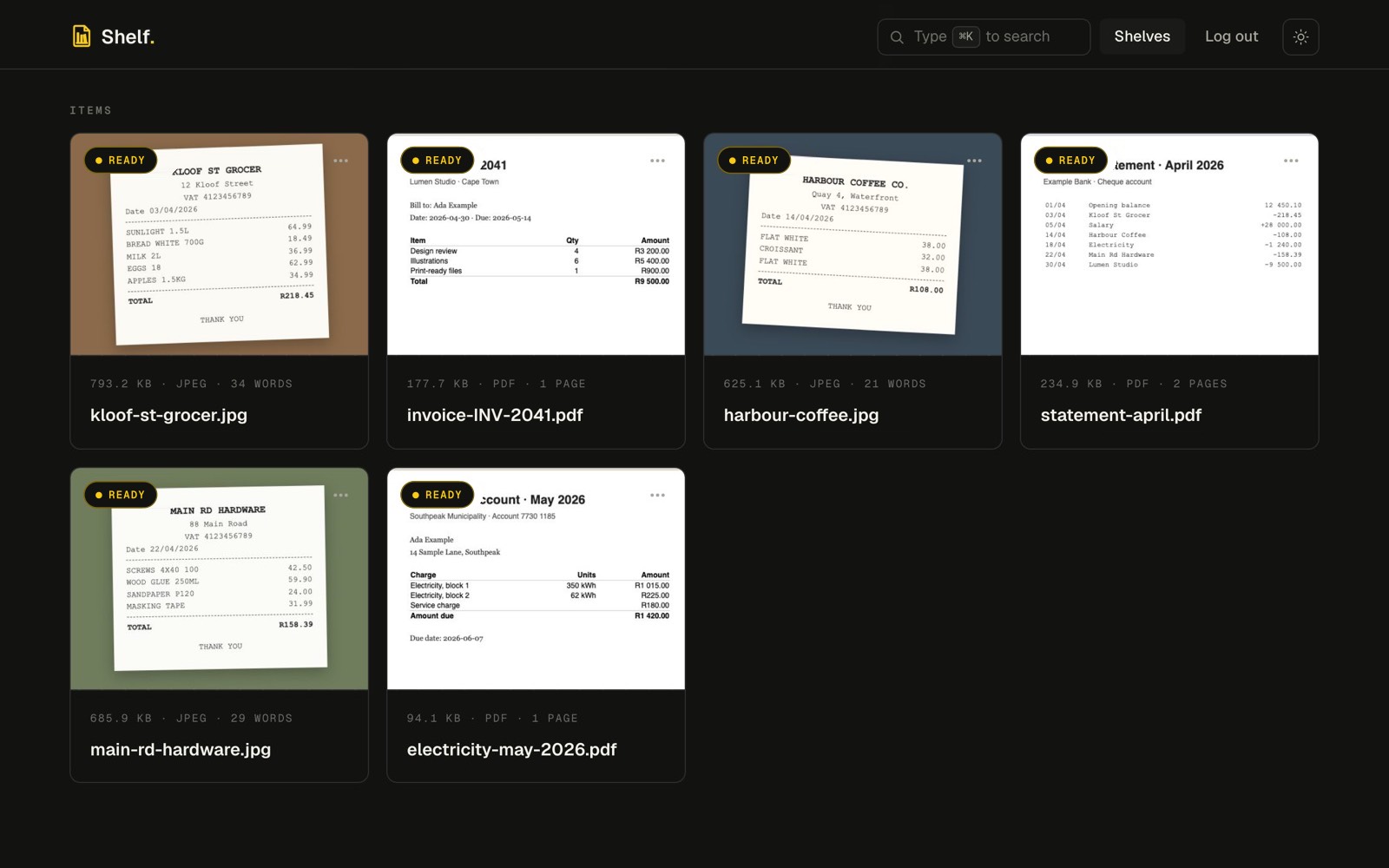
Put your receipts, invoices, statements and contracts on shelves you organise, as PDFs, Office files or scans. Shelf reads the text of every one, and the totals, dates and rows that matter. Then you can find it, share it, or send it on.
What's new
Fresh off the shelf.
Shelf keeps getting better at getting your documents in, reading them and getting them out again. Here is what shipped lately.
-
Shelf for iPhone
The Shelf camera finds the page, flattens it and skips a shot of a page you already took. Adjust the crop, colour and rotation of each page, choose which shelf or folder it goes to, and Shelf uploads it when you are connected. In TestFlight now.
-
Documents as pages
The Content tab turns a document into a page: key facts, amounts, parties, a timeline and tables, with a contents list. Hover a value to copy it.
-
Share a whole folder
One link opens a folder and everything below it, for anyone, signed in or not. Revoke it and it stops at once. Rolling out.
-
All files in one place
A tab on your shelves page lists every document across all your shelves, newest first, with the shelf and folder each one lives in.
-
Names that say something
Shelf can rename one document, or a whole selection, from what is in it. Do not like it? Undo restores the old names.
-
Give another platform one folder
Make a key for a single folder and another system can read, or read and manage, that folder and nothing else. Revoke it any time. Rolling out.
What Shelf reads
If it has words in it, Shelf reads it.
Upload a document and Shelf gets to work in the background. Each one can be up to 25 MB.
-
Scans and photos of documents
A receipt, invoice, statement or letter, scanned or photographed with your phone (JPEG, PNG, WebP or GIF). Google Cloud Vision reads the text, so the photo becomes its words.
-
PDFs, scanned or not
Shelf uses a PDF's own text, and reads every page without one with OCR, up to 300 pages.
-
Word documents
Contracts, letters and reports are read directly, no printing or scanning needed.
-
Excel spreadsheets
Sheets are read straight from the file, and a parser can turn a table into rows you can use.
-
Text, Markdown and JSON
Notes and data files are kept as text and are searchable like everything else.
-
Laid out as on the page
For scans, photos and PDFs Shelf keeps where the words sit, so an item stays beside its price, even on a tilted photo.
How it works
Upload, read, find.
-
Put documents on shelves
Drag documents onto a shelf and sort them into folders however suits you. Move them between folders and shelves any time.
-
Shelf reads each one
Vision reads scans and photos of documents, and the text of PDFs, Word and Excel files comes straight from the file. A parser then pulls out the values: Shelf learns a layout once and reuses it for every statement, invoice or receipt like it.
-
Find it and use it
Search everything by what is in it, open any document on its own page, share a link to it, or send it to your other systems.
Features
Less typing things in.
Parsers
Correct it once. Shelf remembers.
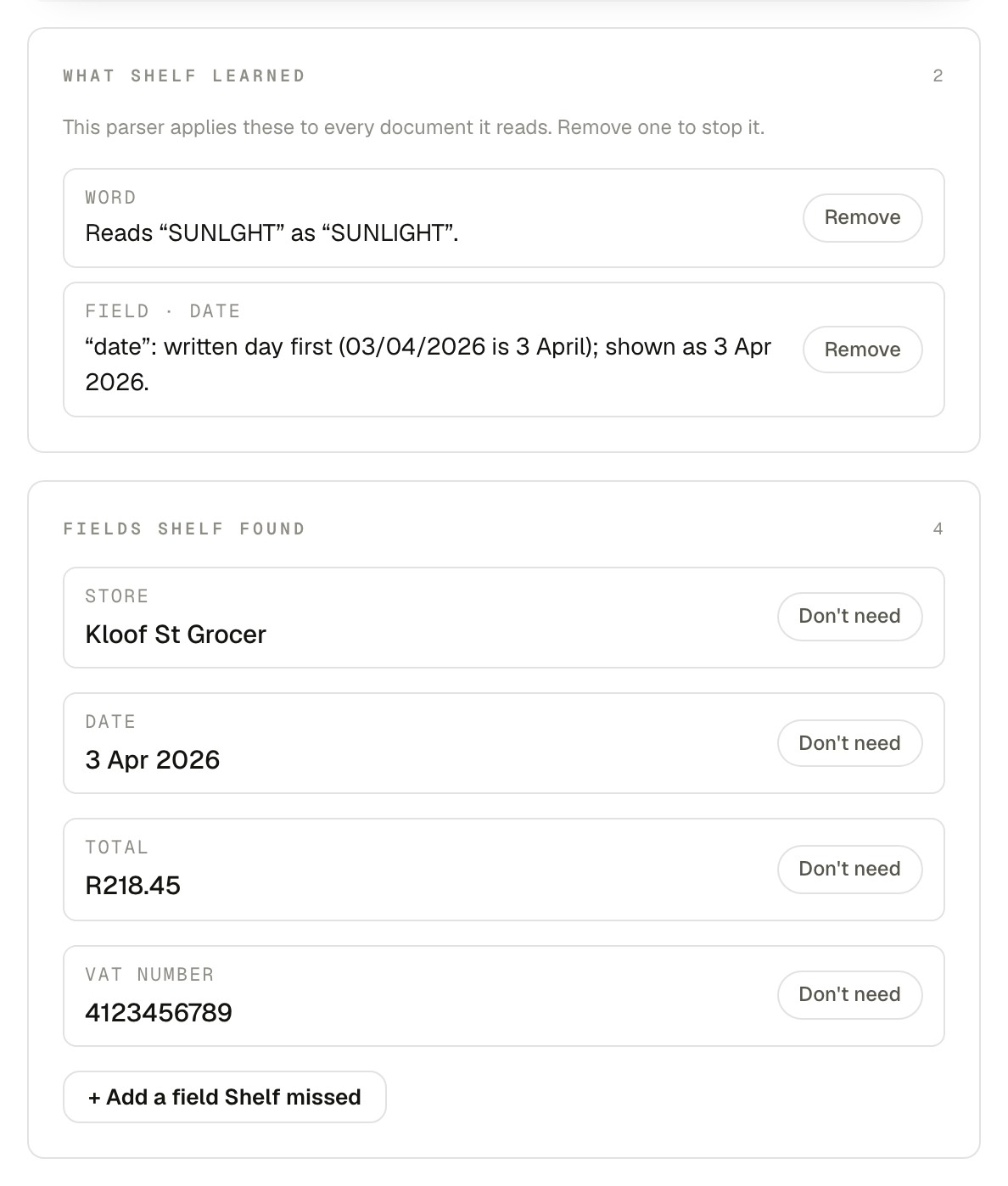
A parser reads the fields and rows out of a kind of document: the store, date, total and VAT number of a receipt, the lines of a bank statement, the table in a spreadsheet.
When Shelf misreads a word or a date, fix it in the parser studio. The parser learns the rule and applies it to every similar document, and can re-read the ones it has already read.
Parsers are plain YAML: download one, edit it, import it again.
Search
Find it by what is in it.
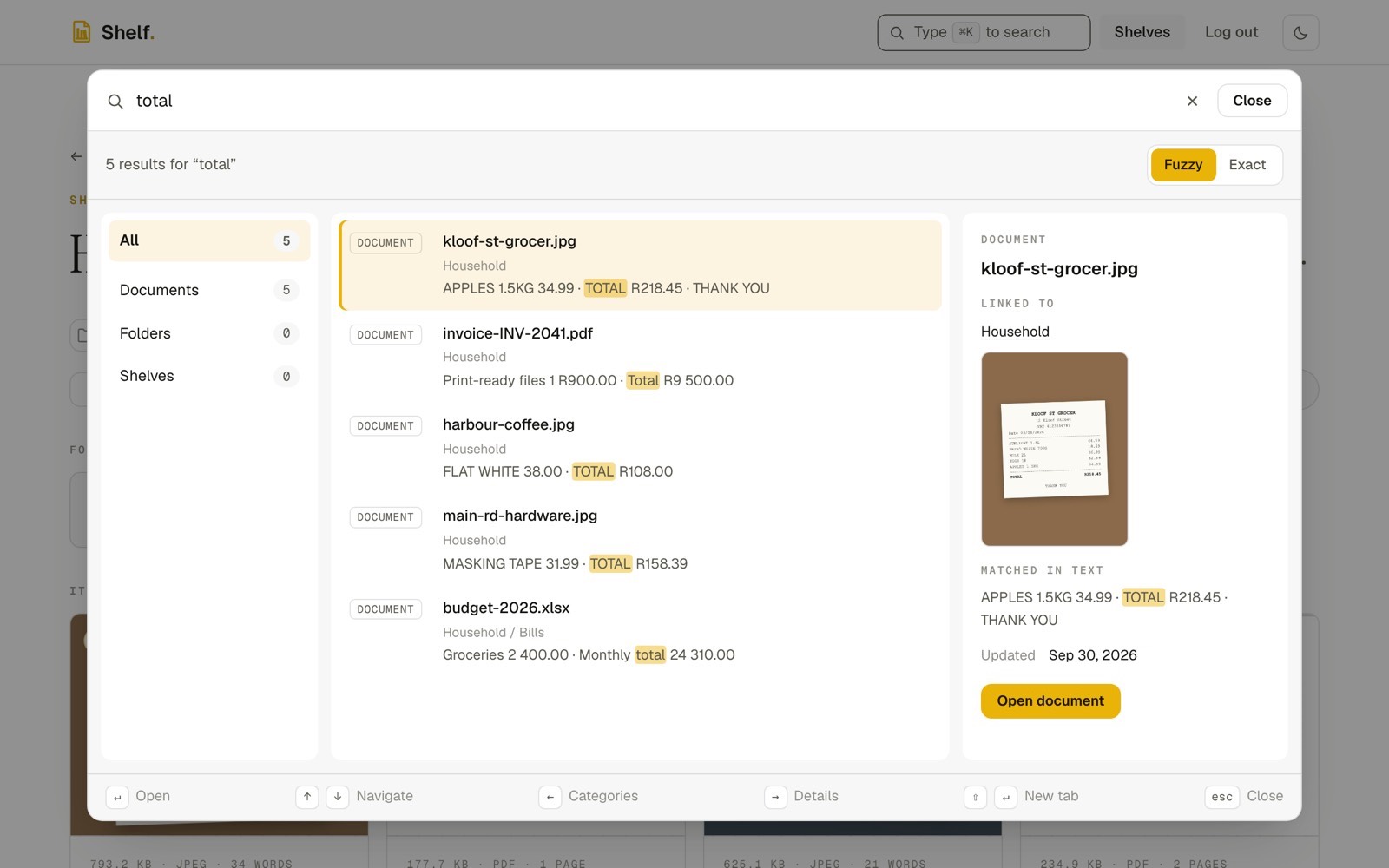
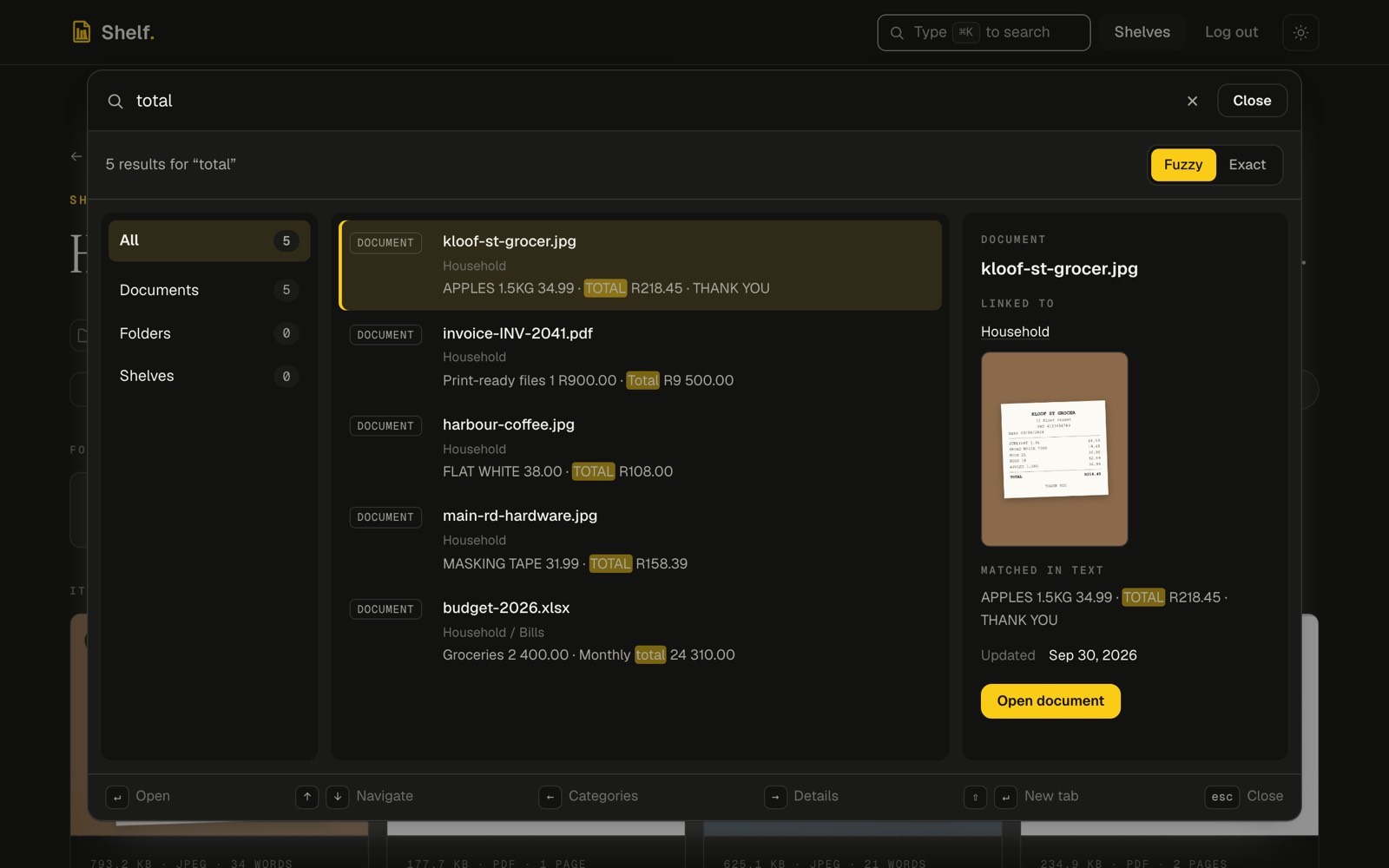
Search across every shelf at once: document and folder names, the full text and the fields your parsers read.
Fuzzy matching forgives a typo, or switch to exact. Narrow to documents, folders or shelves, and see where each result lives before you open it.
Documents
Every document on its own page.
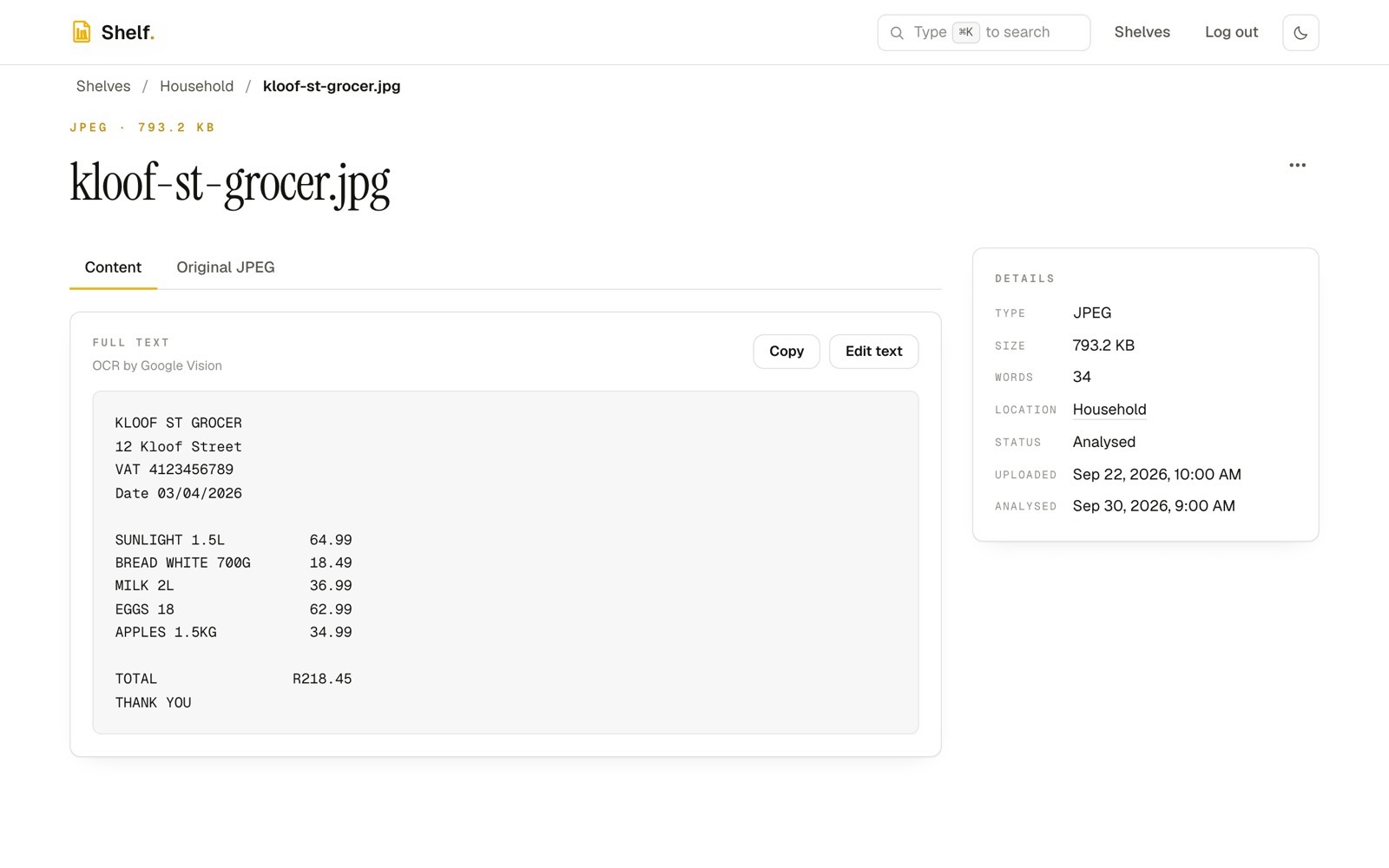
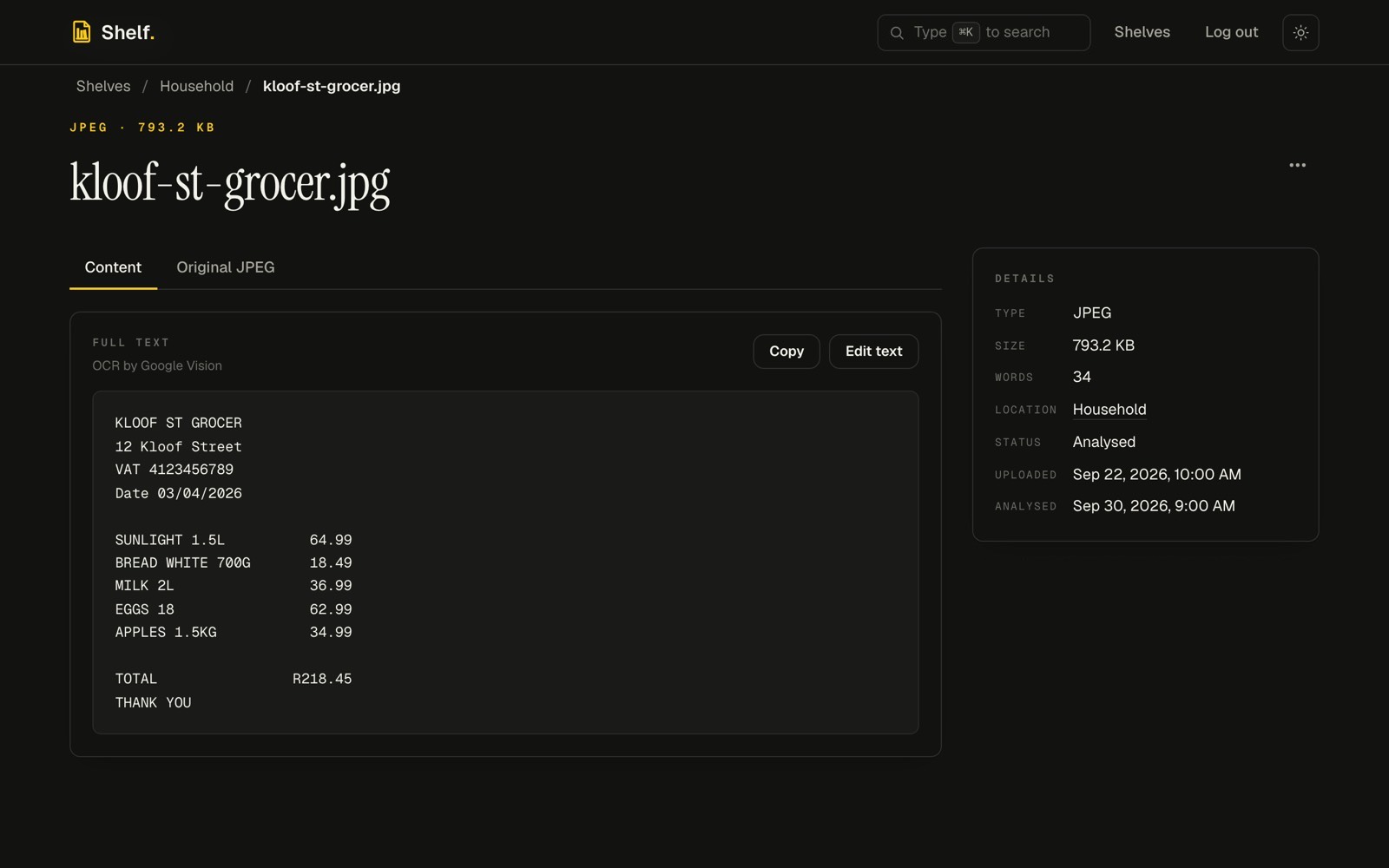
Open a document to see its details, the full text Shelf read and the original. Copy the text, or correct it by hand.
The Content tab lays a document out as a page with its key facts and a contents list. Rename documents yourself or with AI (and undo it), move and delete them, or download a whole folder as one zip.
Share and connect
Your documents, where you need them.
-
Share links
Hand out a link to one document, or to a whole folder. Whoever has it can read the text and download the original without an account. Give it an expiry date, see how often it was opened, or revoke it and it stops working at once.
-
Webhooks
Shelf posts to your systems when a document is uploaded, analysed, edited or removed: for everything, one shelf or one folder. Each delivery is signed and retried until it lands. Webhooks will be a paid plugin, coming soon.
-
MCP for AI assistants
Shelf's MCP server lets Claude and other MCP clients browse, search and read your shelves. You connect a client with a normal sign-in, choose what it may do and disconnect it any time. It acts as you, through the same api as the app, with nothing extra it can see. MCP access will be a paid plugin, coming soon.
Privacy
Your documents are yours alone.
Shelf is built for one person's own documents. There are no shared workspaces to leak into and no public listings.
We count visits and clicks with PostHog, in its EU cloud, without cookies unless you allow them. It never sees what is in your documents.
-
Only you can see them
Your documents, folders and shelves, your parsers, your webhooks: all of it belongs to your account. Nobody else can list, open or delete any of it, and every search is filtered to you on the server.
-
You decide what leaves
A document is only readable by someone else through a share link you made, for as long as you keep it. Shared documents are streamed through Shelf, never exposed as a storage address.
-
Stored in Frankfurt
Uploaded documents are kept in Google Cloud Storage in Frankfurt (europe-west3), and Shelf's servers run in Frankfurt too. Google Cloud Vision does the reading.
Clear the pile. Put it on a shelf.
Sign in, drop in your first documents and let Shelf read them.
Get started