Docs
Shelf documentation
Shelf keeps your documents and reads them. This page shows what that looks like in the app; the pages after it are for building on Shelf.
What Shelf keeps
Shelf is a document store. Upload PDFs, Word and Excel files, text files and scans or phone photos; Shelf reads each one and keeps its text and details beside the original. Documents live on shelves, and a shelf holds folders, which can hold folders of their own.
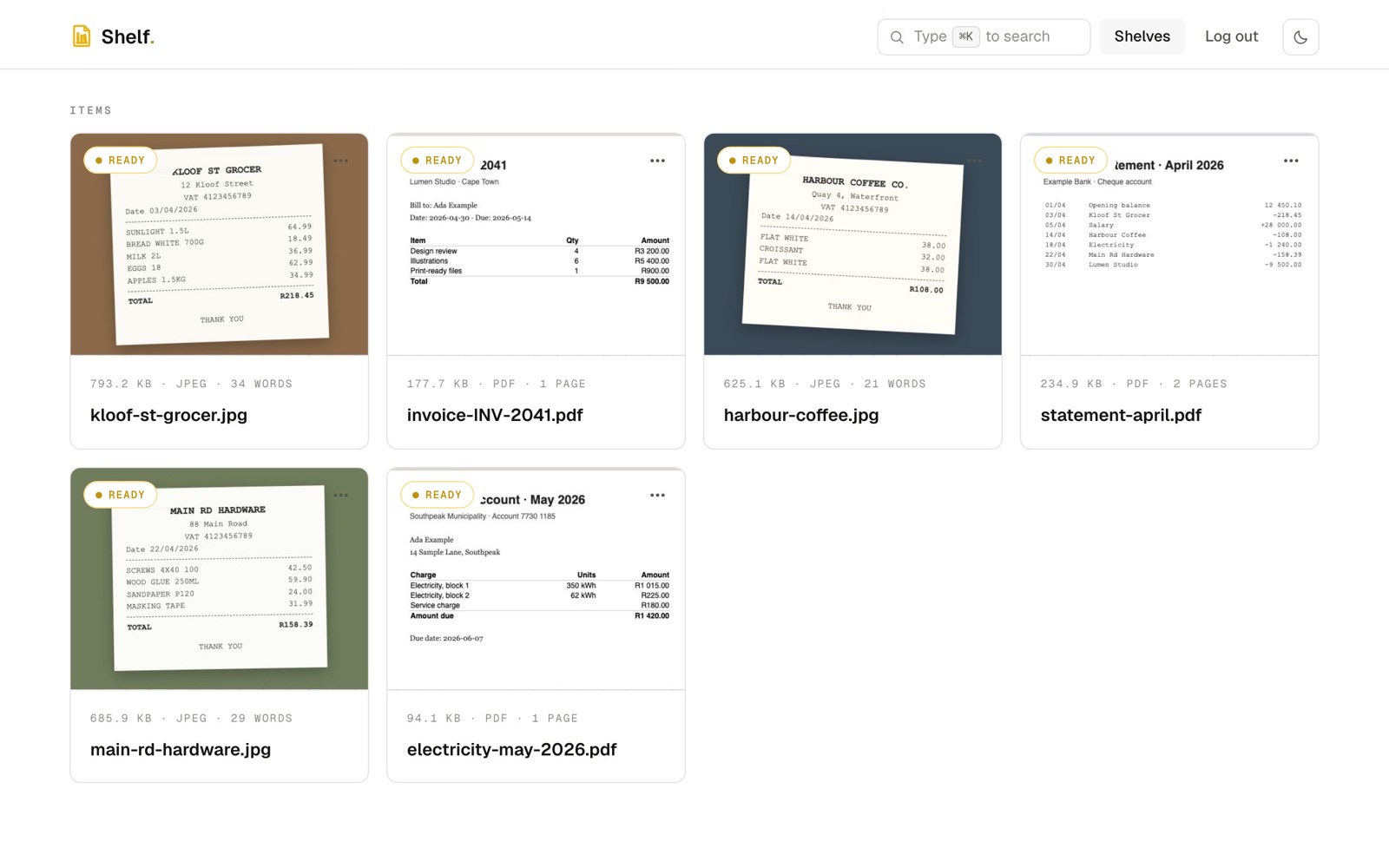
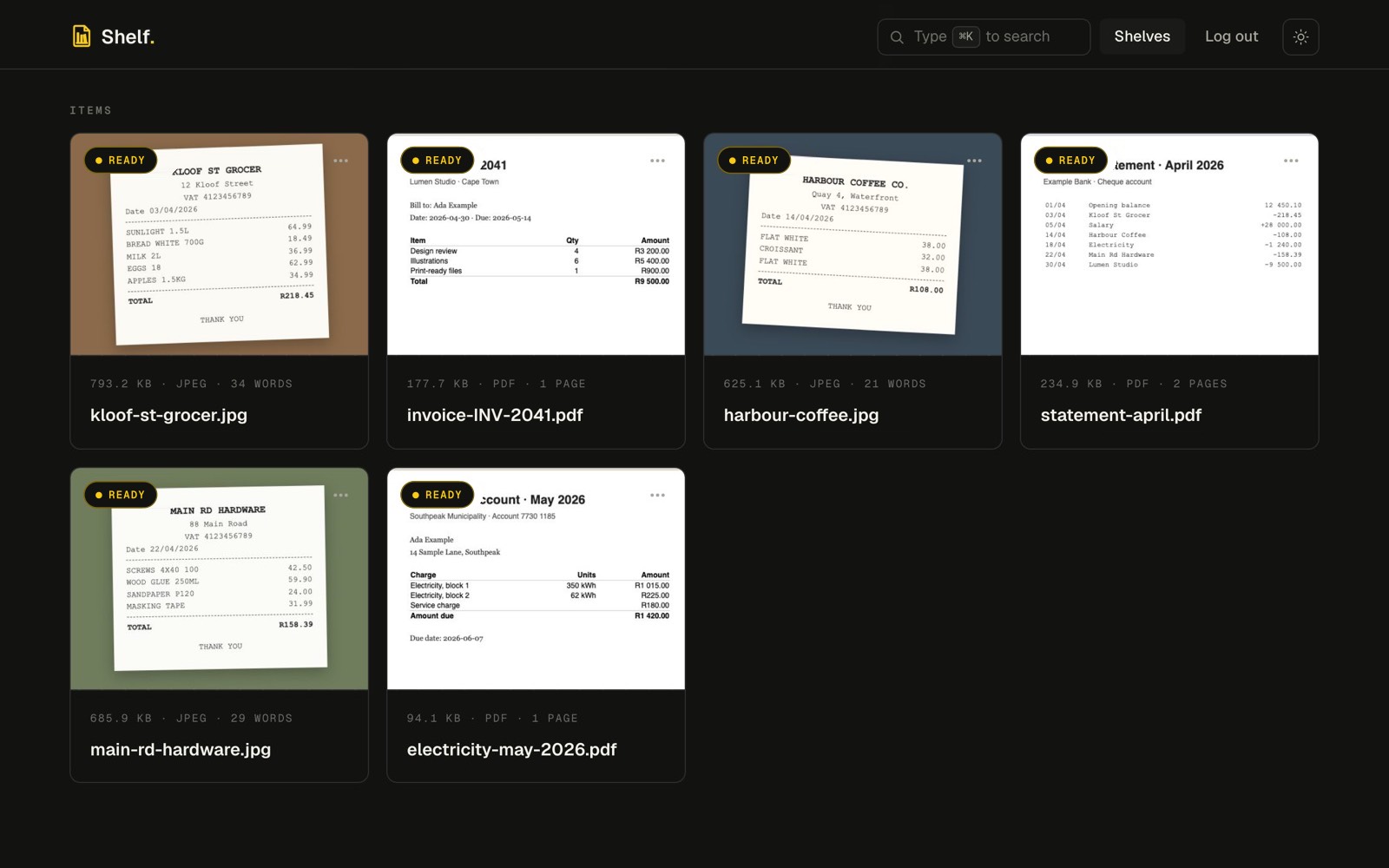
Every document, read
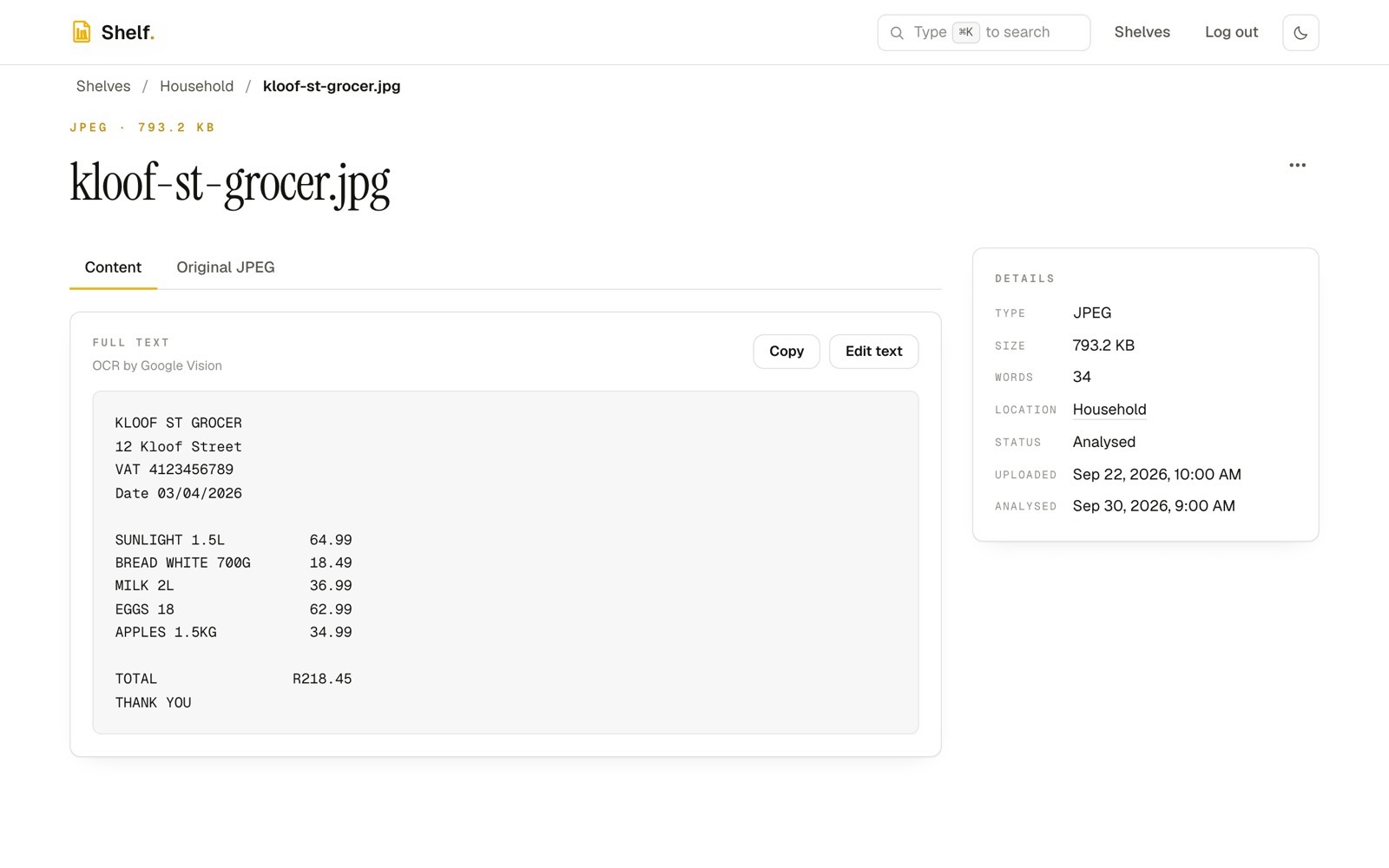
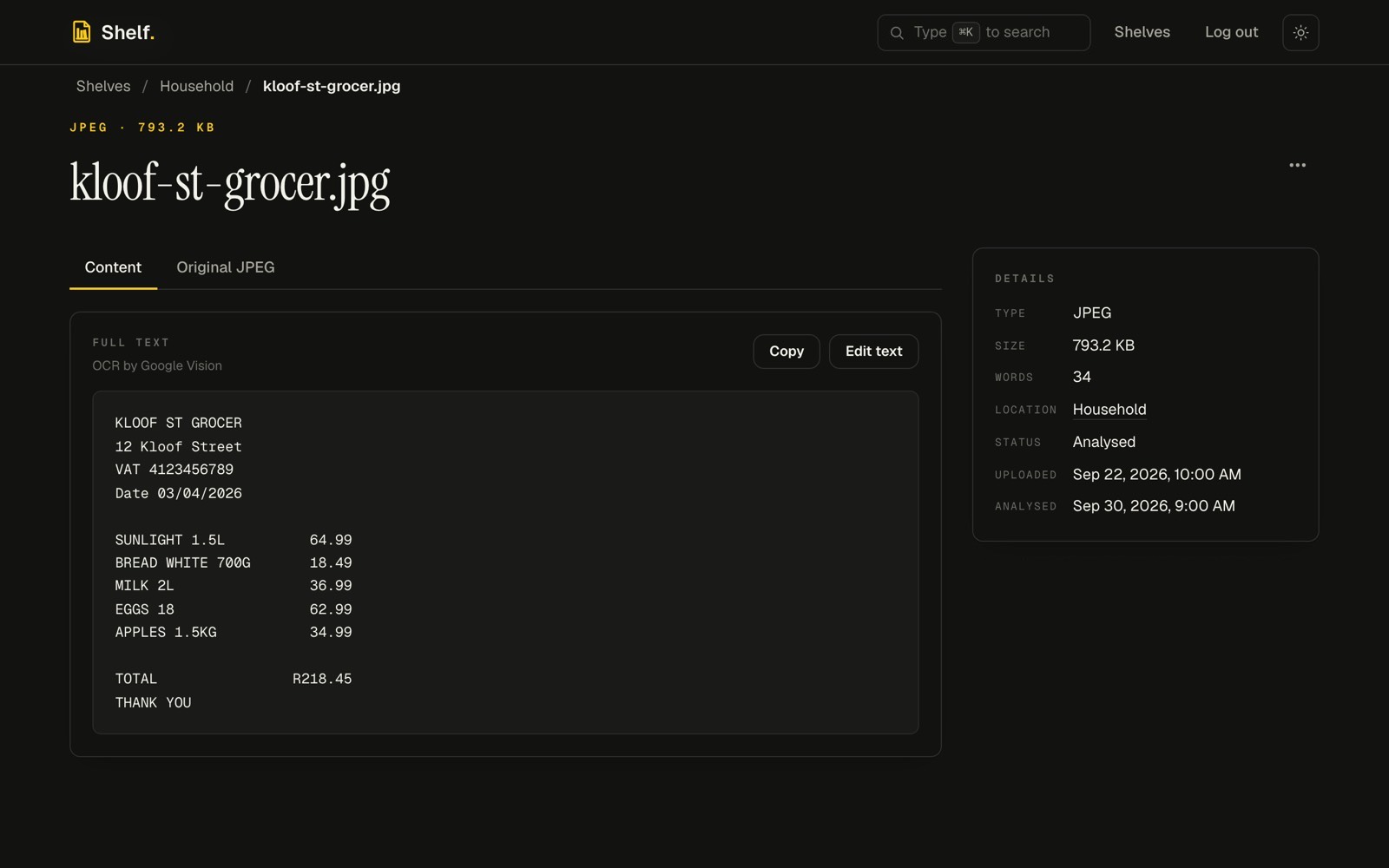
Open a document to see its full text, its type, size, word count, location and status. Scans and photos are read with Google Cloud Vision, so a picture of a receipt has text you can search and copy. Anything Shelf read is available over the API and MCP too.
Find anything
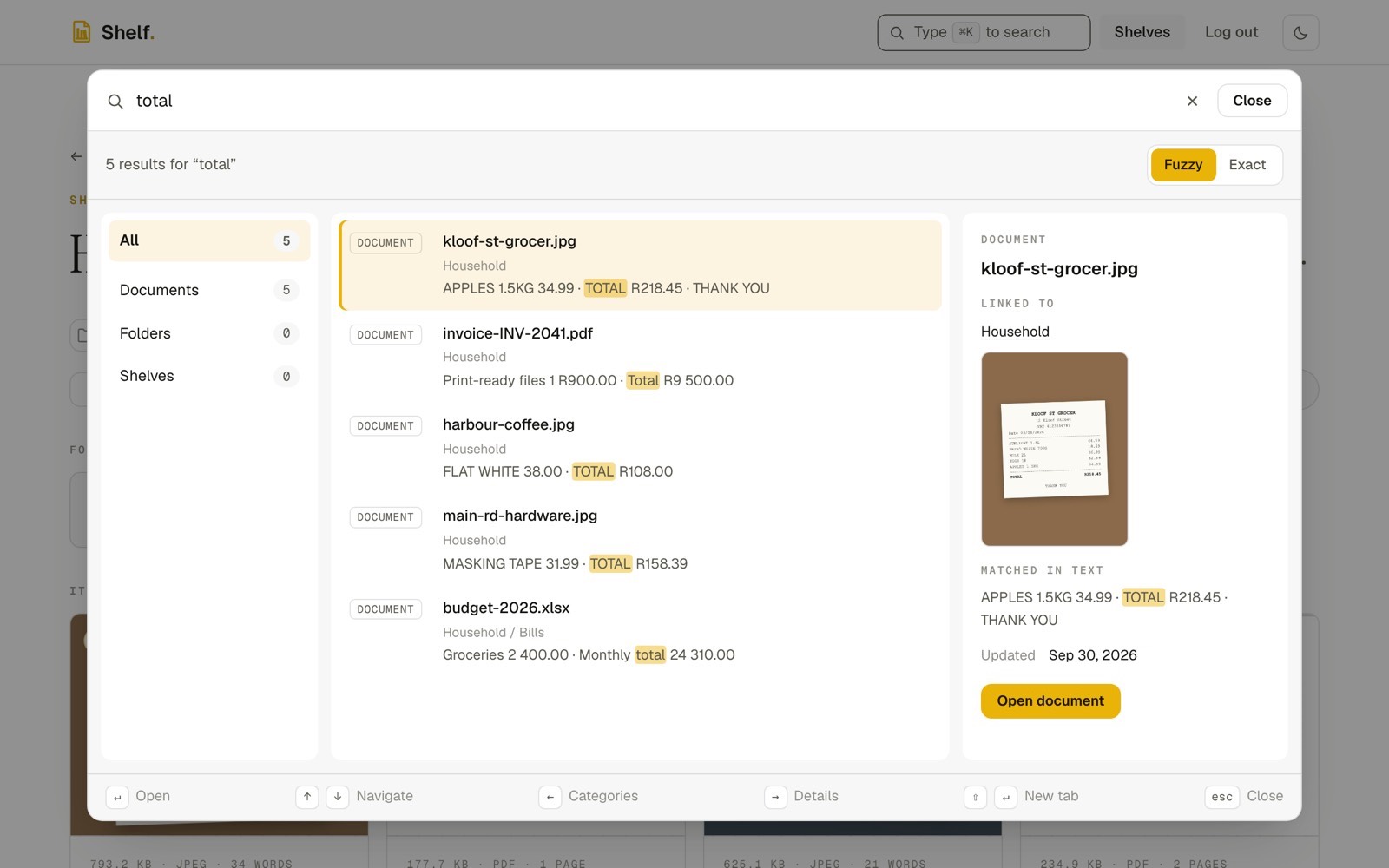
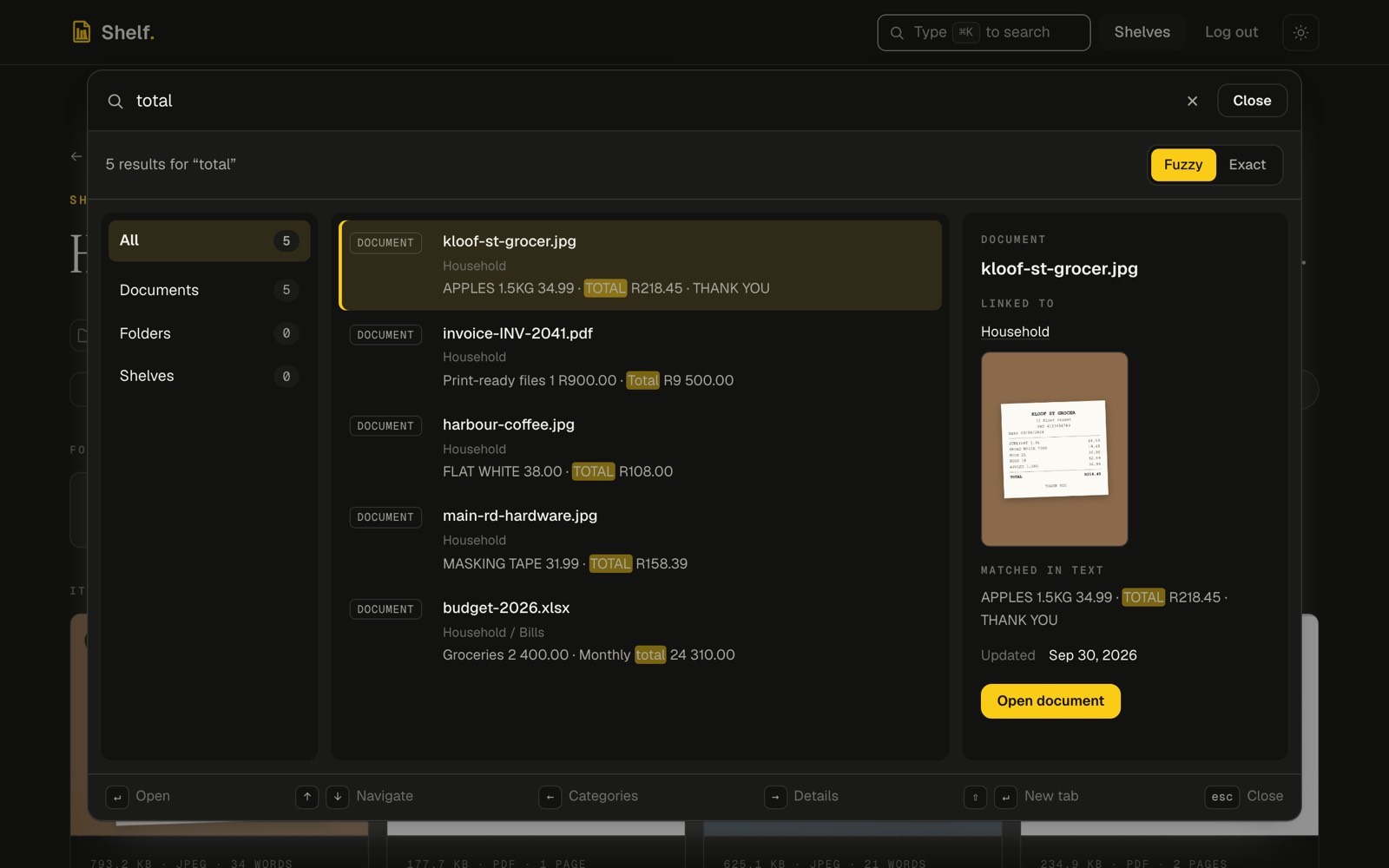
Search covers file names, folder and shelf names, labels and the text of every document. Matches are highlighted, with a preview of the document beside them. The same search is the first workflow in the API guide.
Teach Shelf a parser
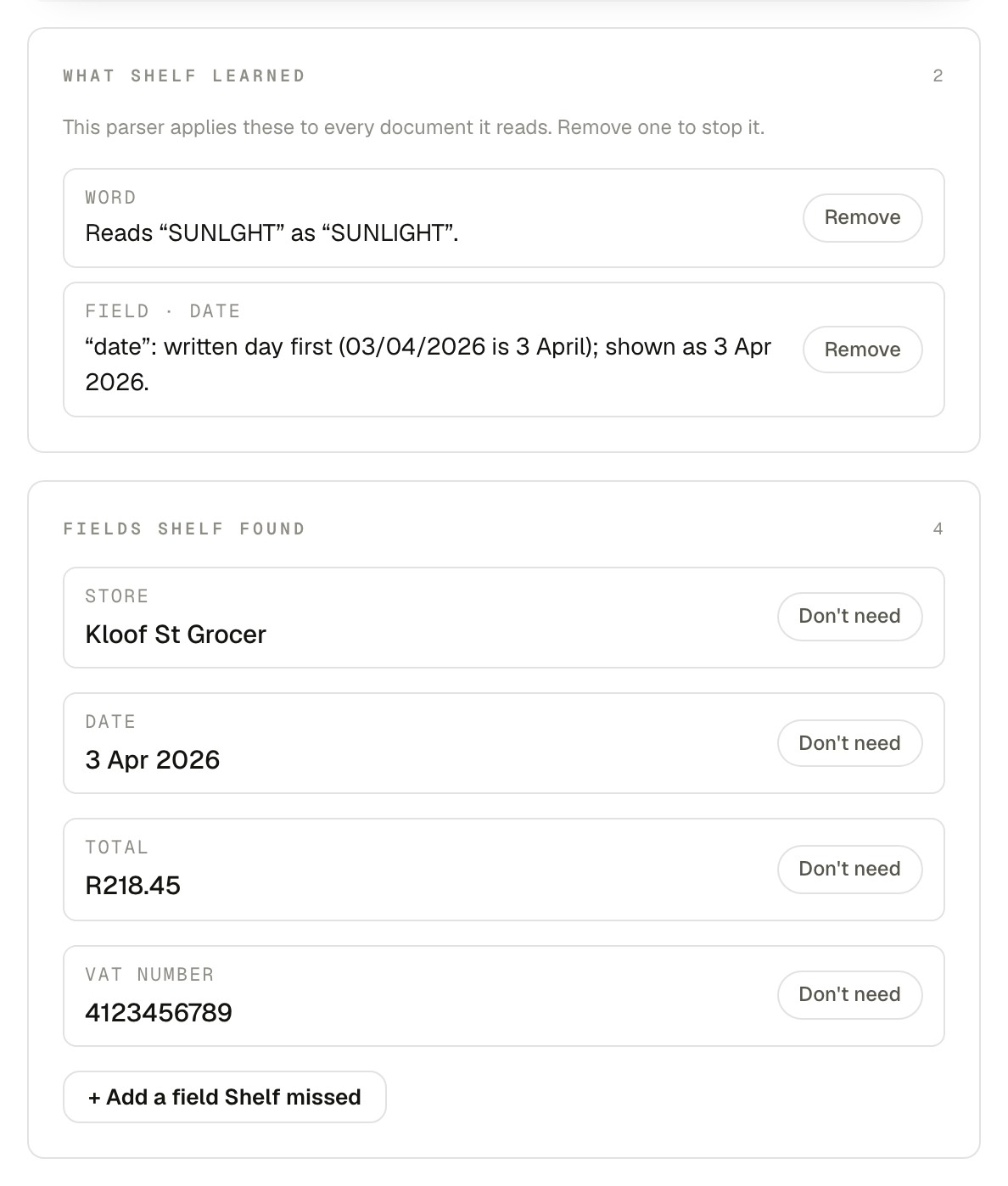
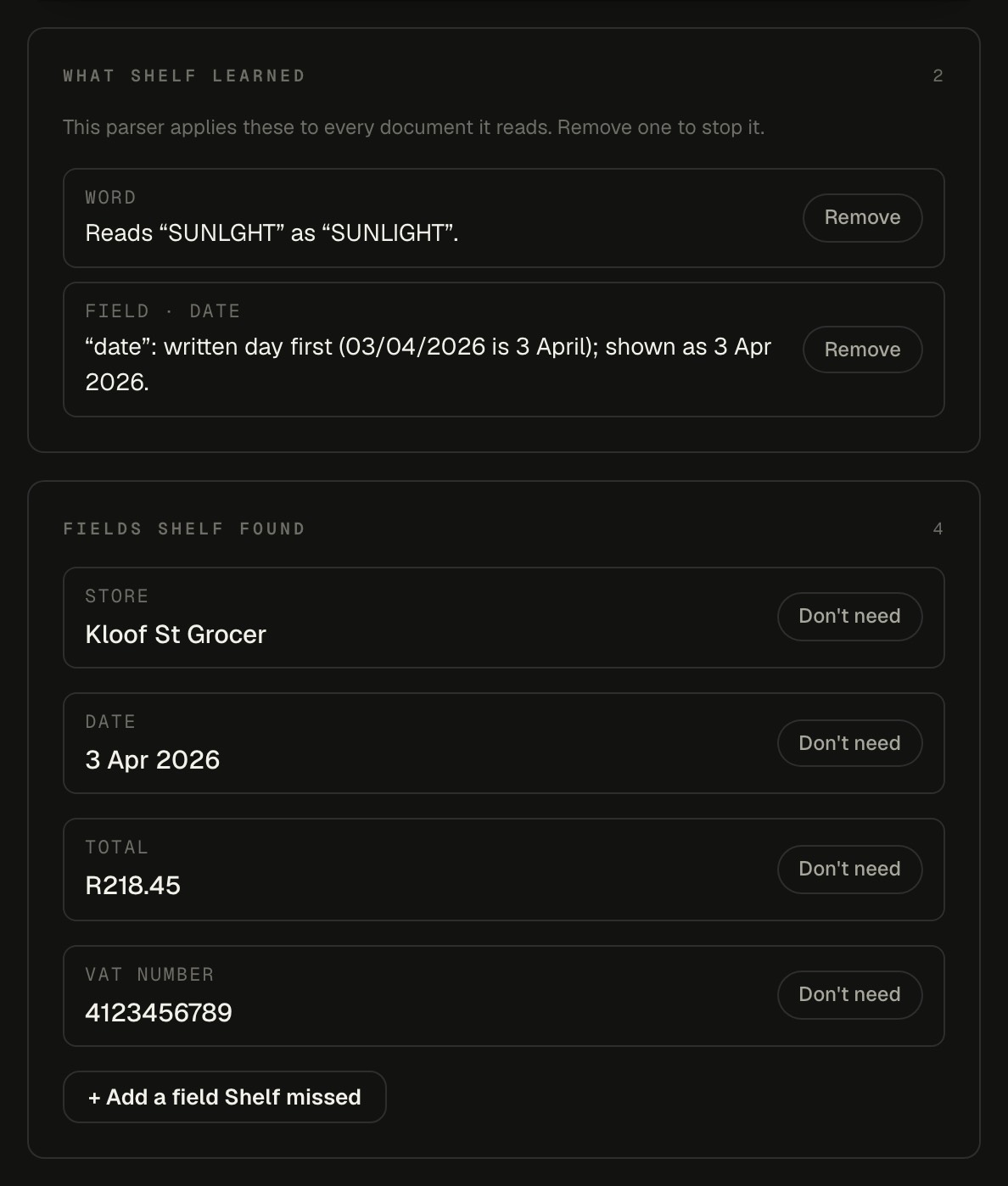
A parser reads fields and rows from a kind of document, such as the store, date and total of a receipt. The parser studio shows what Shelf learned and the fields it found, and a parser you write can be tested and activated through the API or an MCP client.
Developer docs
- API guideAuthentication, conventions, asynchronous work and worked examples, with the OpenAPI 3.1 spec.
- MCP serverConnect Claude and other MCP clients, and every tool with its scope and side effects.
- MCP guidesSet up a client, then five agent workflows end to end.
- MCP scopesWhat each capability scope allows, and how to connect and disconnect.